
Table of contents
Estimated reading time: 6 minutes
Stop Guessing. Start Previewing
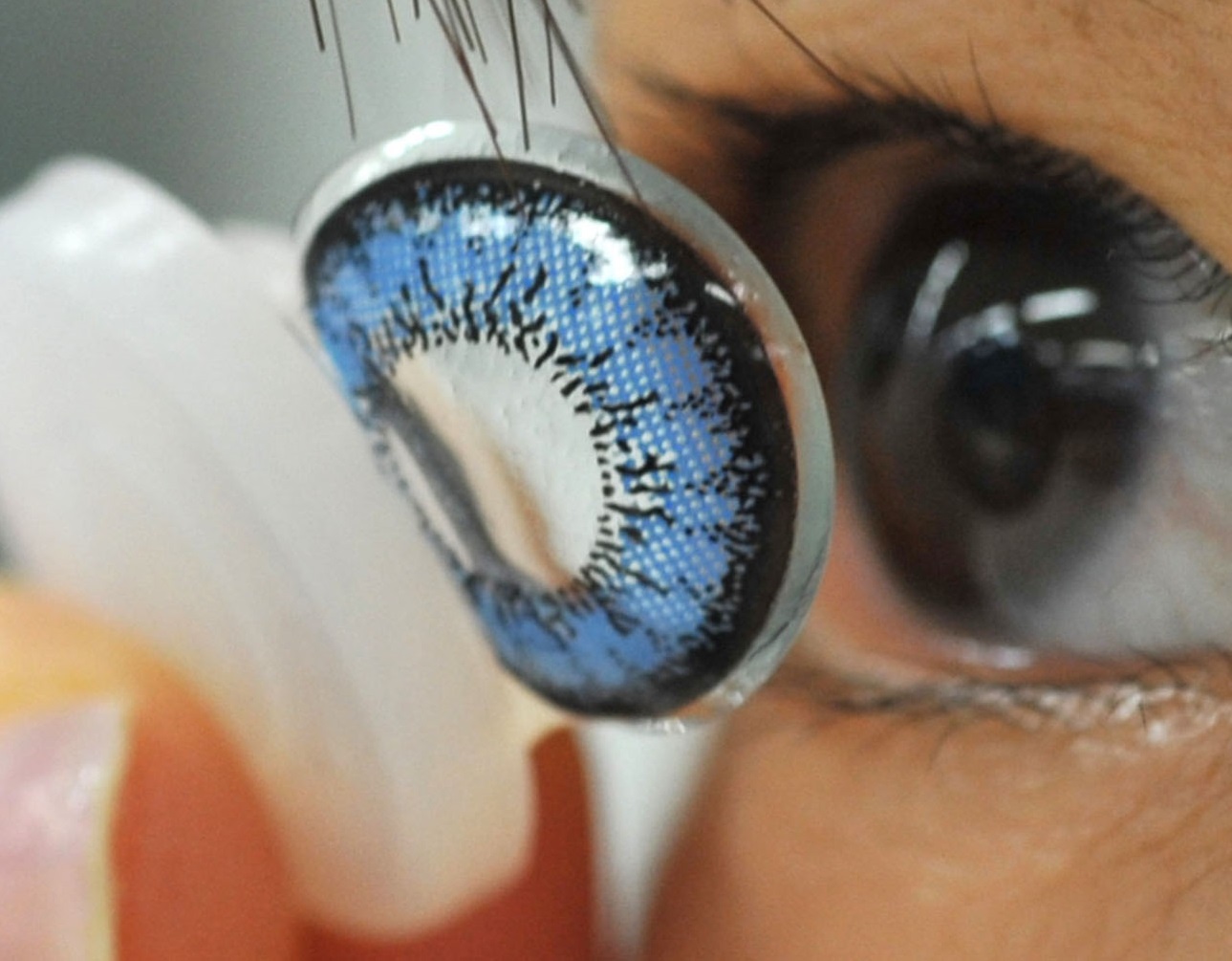
I want you to think about the last cosplay you put together. Like, really think about it. Did everything match the way you pictured it in your head? Or did the wig show up two shades warmer than expected, the contacts kind of disappear against the costume, and the whole thing just feel slightly off?
If that sounds familiar, you’re not alone. It’s probably the most common frustration in cosplay. You spend weeks (sometimes months) hunting down individual pieces. A wig from one vendor. Contacts from another. The costume from a third. Each piece looks great in its own product photos. But nobody tells you whether they’ll actually work together until you’ve already paid for everything.
That’s the problem, right? You’re assembling a puzzle without ever seeing the finished picture. And that’s exactly where AI tools are stepping in. An AI 3D character creator lets you type out a description of your character and get a full 3D model back. Just like that. Before you’ve spent a dollar.
But How Does This Actually Work?
It’s honestly way less complicated than it sounds. You write a text description of your character. Hair color, eye color, outfit details, accessories, the general mood you’re going for. The AI reads all of that and spits out a 3D character model. Done.
Now, where this gets really interesting for cosplayers specifically:
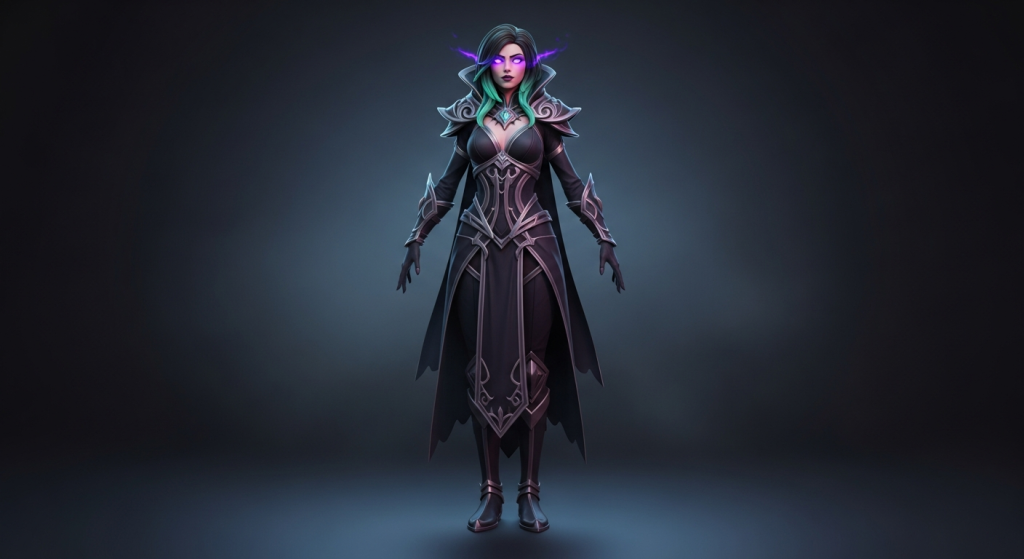
• Original characters. Your OC lives in your brain. Maybe you’ve sketched them on paper, maybe you haven’t. Either way, generating a 3D model makes the whole thing tangible. You can finally see what that dark sorceress with the teal highlights actually looks like in three dimensions.
• Characters with limited reference art. Some characters barely have official art. Or maybe you’re doing a fan redesign and there’s literally no reference for your version. AI fills that gap.
• Group cosplay coordination. This one’s huge. You generate everyone’s character, stick them side by side, and immediately see if the colors clash or if someone’s outfit looks completely out of place next to the rest of the crew.
Which AI Tools Are Worth Using?
Not every tool works the same way, and honestly, some are overkill for what most cosplayers need. Here’s how I’d break them down:
| Tool | What It Does | Best For |
| QuillBot AI 3D Character Creator | Text-to-3D model. No skills needed, fast iterations, works right in the browser. | Quick character previews. Perfect if you want to see the full look without learning software. |
| Midjourney | Gorgeous 2D concept art from text prompts. Amazing fantasy and anime aesthetics. | Mood boards and visual inspiration. Less practical for exact cosplay shopping decisions. |
| Character Creator 4 | Pro-grade 3D modeling with deep control over body, face, hair, and clothing. | Cosplayers who already know their way around 3D tools. Steep learning curve. |
| Artbreeder | AI-powered face blending and morphing. Mainly portraits and color palettes. | Nailing facial features and testing eye/hair color combos before buying contacts and wigs. |
| VRoid Studio | Free anime-style 3D character maker. Manual sliders for everything. | Anime cosplayers who want a stylized model they can rotate and pose. |
Real talk: QuillBot’s tool wins on accessibility. You type words; you get a character. No tutorials, no download, no 45-minute YouTube video explaining the interface. Most cosplayers aren’t 3D artists, and that’s totally fine. This tool was built for exactly that situation.
Watch Out for These Mismatches (They’ll Get You Every Time)
Your AI model is a guide, not a crystal ball. Here’s where things tend to go sideways between the digital preview and the physical products:
| Element | The Trap | How to Dodge It |
| Wig color | That pastel pink on screen? Might show up as salmon in real life. Silvers are notorious for this. | Read customer reviews that describe real-life color, not just the listing photos. |
| Contact lens shade | A blue lens on dark brown eyes looks totally different than on light hazel eyes. | Find reviews from people with your eye color. Good shops show lenses on multiple shades. |
| Outfit proportions | AI characters have perfect proportions. You and I don’t. And that’s normal. | Focus on design details like collar shape and layering, not body measurements. |
| Accessories | That intricate gauntlet in your AI model might not exist anywhere for sale. | Be ready to DIY smaller pieces. Use the model as inspiration, not a product catalog. |
The model shows you the direction. Getting there still takes some creative problem-solving on your end, but at least you’re not walking in blind anymore.
Why This Actually Matters for Your Wallet
Here’s the bottom line. A decent cosplay build runs anywhere from $100 to $300. Some go way higher. And returns? On wigs and contacts? Good luck with that. Most vendors won’t take them back once they’ve been opened.
Being able to preview your entire character before you start spending changes that equation completely. You experiment with color combos, swap out hairstyles, and test accessories, all digitally, all free. Then when you finally pull out the credit card, you know exactly what you’re looking for. Fewer surprises. Fewer regrets. Fewer boxes of cosplay pieces shoved in the back of your closet because they didn’t work out.
Frequently Asked Questions
1. Do I need to know anything about 3D modeling or digital art?
Nope. Zero. That’s genuinely the whole point. QuillBot’s AI 3D character creator runs on text descriptions. You type something like “male vampire, pale skin, red eyes, long black coat with silver buttons, high collar,” and it builds the model for you. If you can write a sentence, you can use this tool. No software to install, no skills to learn, no artistic talent required.
2. How close will the AI model be to my actual finished cosplay?
Close enough to be genuinely useful, but don’t expect a mirror image. AI models lean toward idealized proportions, and the colors on your screen won’t be a 1:1 match with physical fabrics and fibers. Use the model for the big-picture stuff: outfit structure, color palette, and how accessories fit together. Think of it like a movie concept sketch versus the final set design. The sketch guides the build, but the finished product has its own texture.
3. Does this actually work for group cosplays or just solo builds?
Group cosplay is honestly where this shines the most. I’ve done group builds where we all thought we were on the same page, and then convention morning rolls around and half the group looks like they’re from completely different shows. Generating everyone’s character model in advance and comparing them side by side catches those problems before anyone spends money. Color clashes, style inconsistencies, characters that just don’t vibe together. You spot all of it early.
Author Bio
Nimisha Sureka is a SaaS (Software as a Service) content writer at Anchorial, a link-building agency. With extensive experience writing for SaaS brands from early-stage startups to established platforms, she specializes in turning complex products into clear, compelling narratives that rank, resonate, and convert.
Related Links